Final Evaluation – Parental Control Feature for VLC-iOS
When I first started this project, the goal was clear: implement a Parental Control system in VLC for iOS that could protect sensitive features, such as deleting media files, accessing settings, and opening network streams, by requiring authentication through a passcode or Face ID. The goal was to provide a safer experience for families, particularly parents who share their devices with young children.
But from the very beginning, I realized this task would not be simple. In fact, it turned out to be the most challenging technical experience I've ever had, far more complex than anything I've faced in college, personal projects, or freelance work. And not just because of the code. This was also my first collaborative open source project, which meant learning how to navigate a shared codebase, respect other contributors' changes, and maintain a clean and reviewable Git history, something I had never done before.
First Steps & Git Challenges
In early June, I began by designing the structure of a new class, ParentalControlCoordinator, which would handle all aspects of authentication. However, I quickly ran into trouble while working with Git. After running a git rebase master, I accidentally introduced dozens of unrelated commits into my merge request. It took me over a week to understand how to clean the commit history properly using git reset and git push --force, but eventually I was able to recover the branch and make it ready for development again.
First Version – Basic Authentication Logic
Once the Git issues were resolved, I started experimenting with the actual logic of the feature. The first method I created was:
func authenticate(completion: @escaping (Bool) -> Void)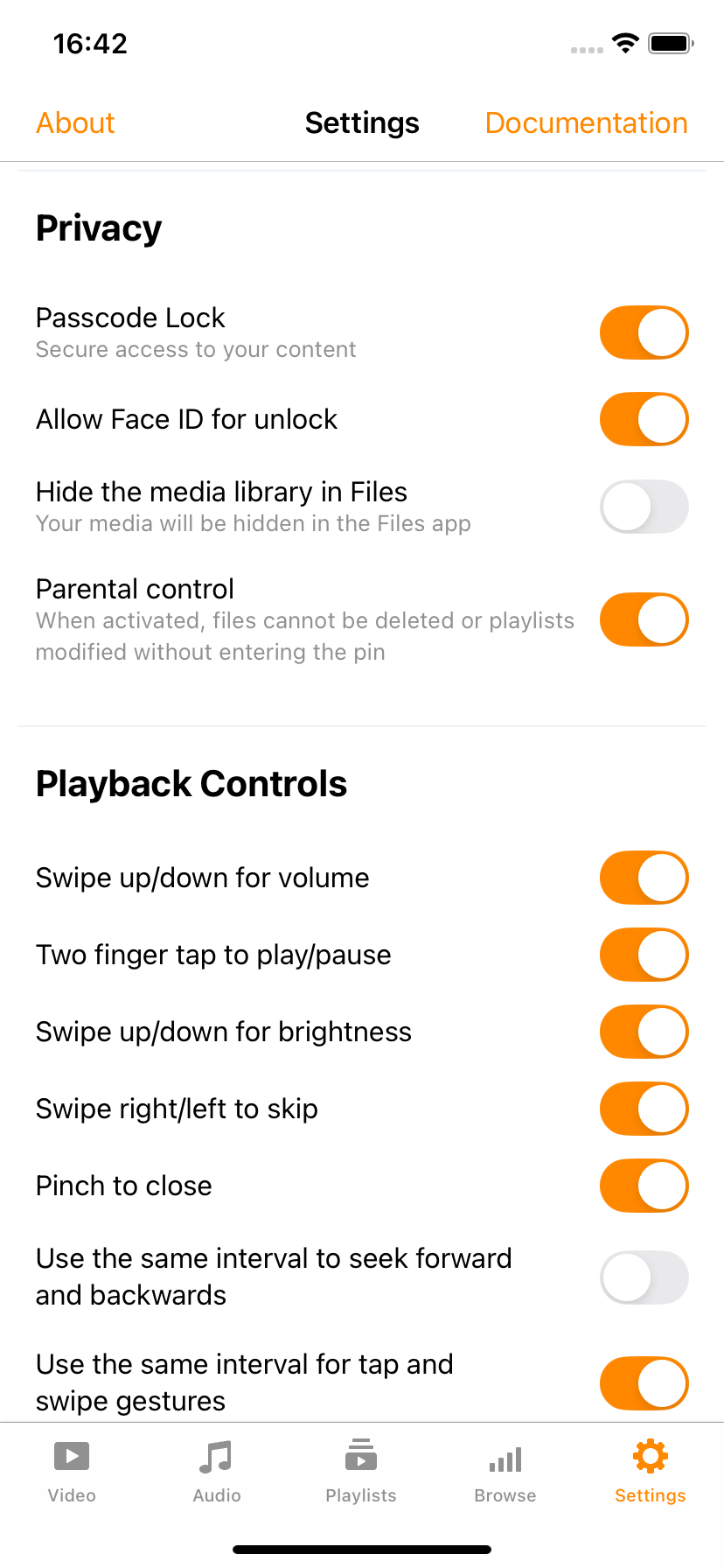
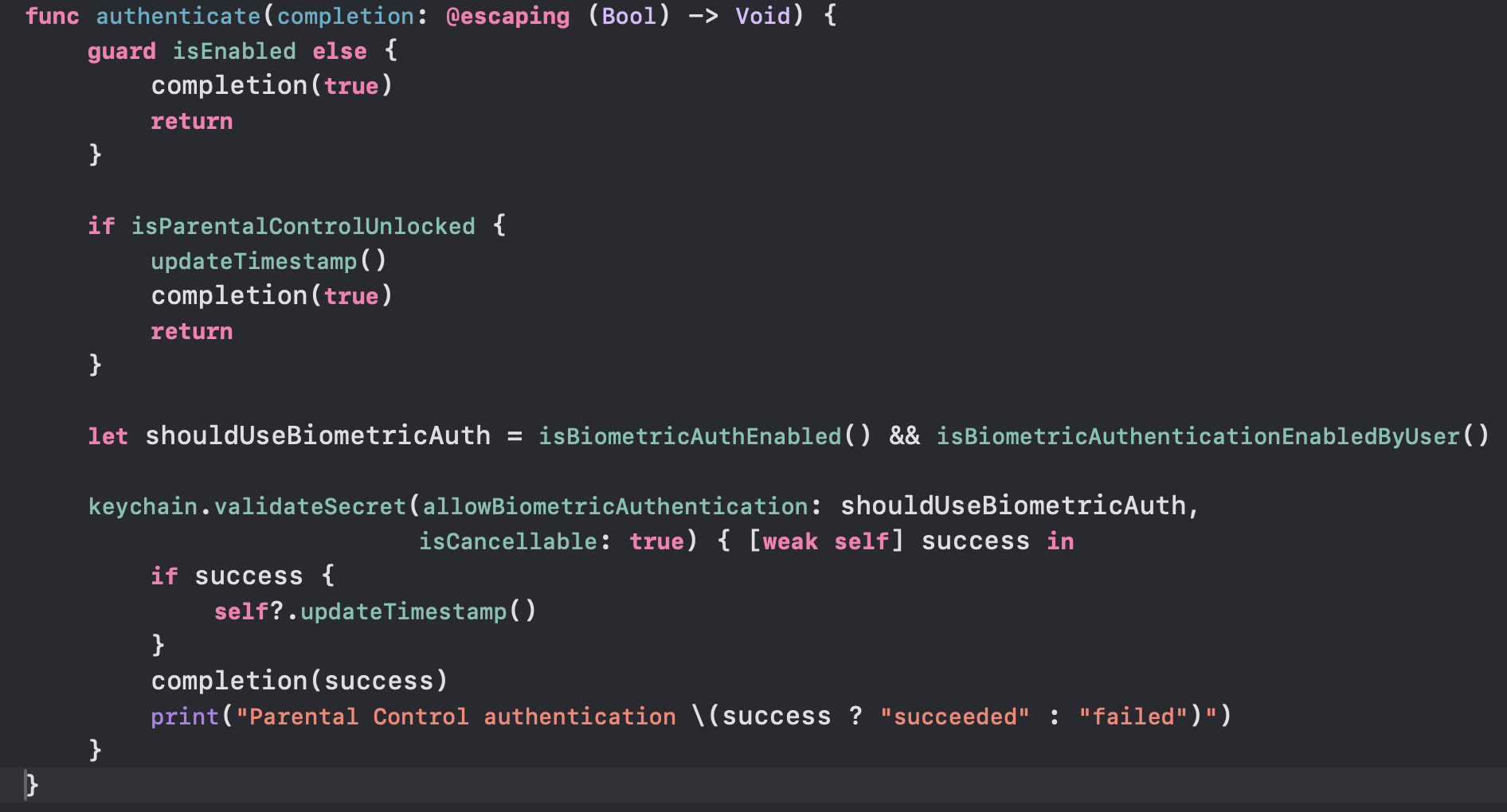
It verified whether parental control was enabled and, if so, called:
keychain.validateSecret(allowBiometricAuthentication: true, isCancellable: true)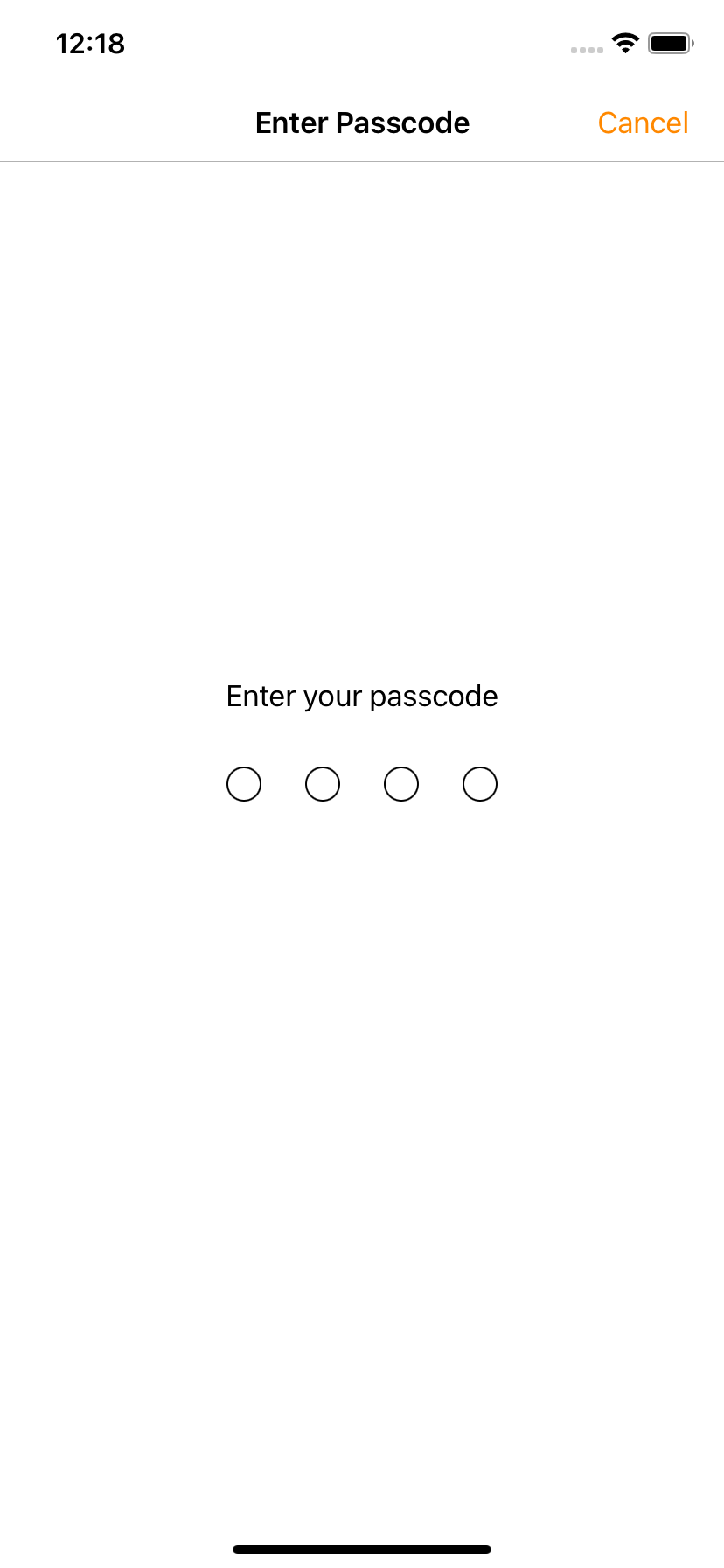
This worked in some scenarios but revealed a big architectural flaw: the parental control feature was tied to the Passcode Lock, a feature that prompts the user to enter a passcode when opening the app. If Passcode Lock was disabled, parental control would not function at all.
Independence Between Features
To solve this, I created a separate keychain entry dedicated to parental control. I then refactored ParentalControlCoordinator to remove all dependencies on UserDefaults and reused the KeychainCoordinator only for logic related to displaying the passcode screen. This allowed parental control and passcode lock to function completely independently, just as they should.

Protecting Actions – Method by Method
With the authentication logic working, I moved on to protecting individual features. To avoid duplicating code, I created a centralized method:
func authorizeIfParentalControlIsEnabled(action: @escaping @convention(block) () -> Void, fail: (@convention(block) () -> Void)? = nil)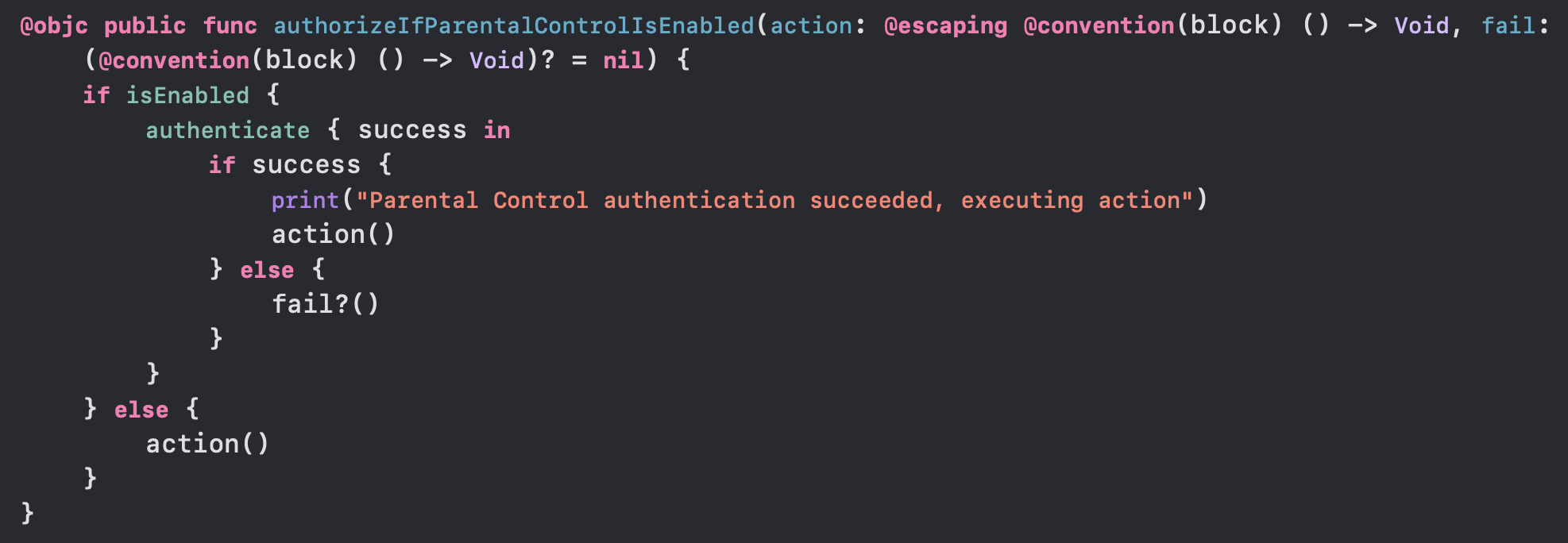
This method was then called before each restricted action. Here's how it was integrated across the app:
- Renaming a file: Inside
EditActions.rename(...) - Deleting a file: In
EditActions.delete(...) - Opening the settings screen: Via
TabBarCoordinatorusingtabBarController(_:shouldSelect:)andhandleAppDidBecomeActive() - Opening a network stream: In
_openURLStringAndDismiss() - Downloading files: Also in
_openURLStringAndDismiss() - Accessing local files: In
RemoteNetworkDataSource, viatableView(_:didSelectRowAt:) - Adding/removing files from playlists/media groups: In
EditActions, wrapping the logic withauthorizeIfParentalControlIsEnabled
Session Logic and Timeout
To avoid overwhelming the user with constant passcode prompts, I implemented a temporary unlock session. After successful authentication, a timestamp was stored using:
private var lastAuthenticationDate: Date?I then checked the elapsed time using:
var isParentalControlUnlocked: BoolThis allowed users to perform multiple protected actions within a 30 second window without re-authenticating.
Biometric Authentication – The Final Hurdle
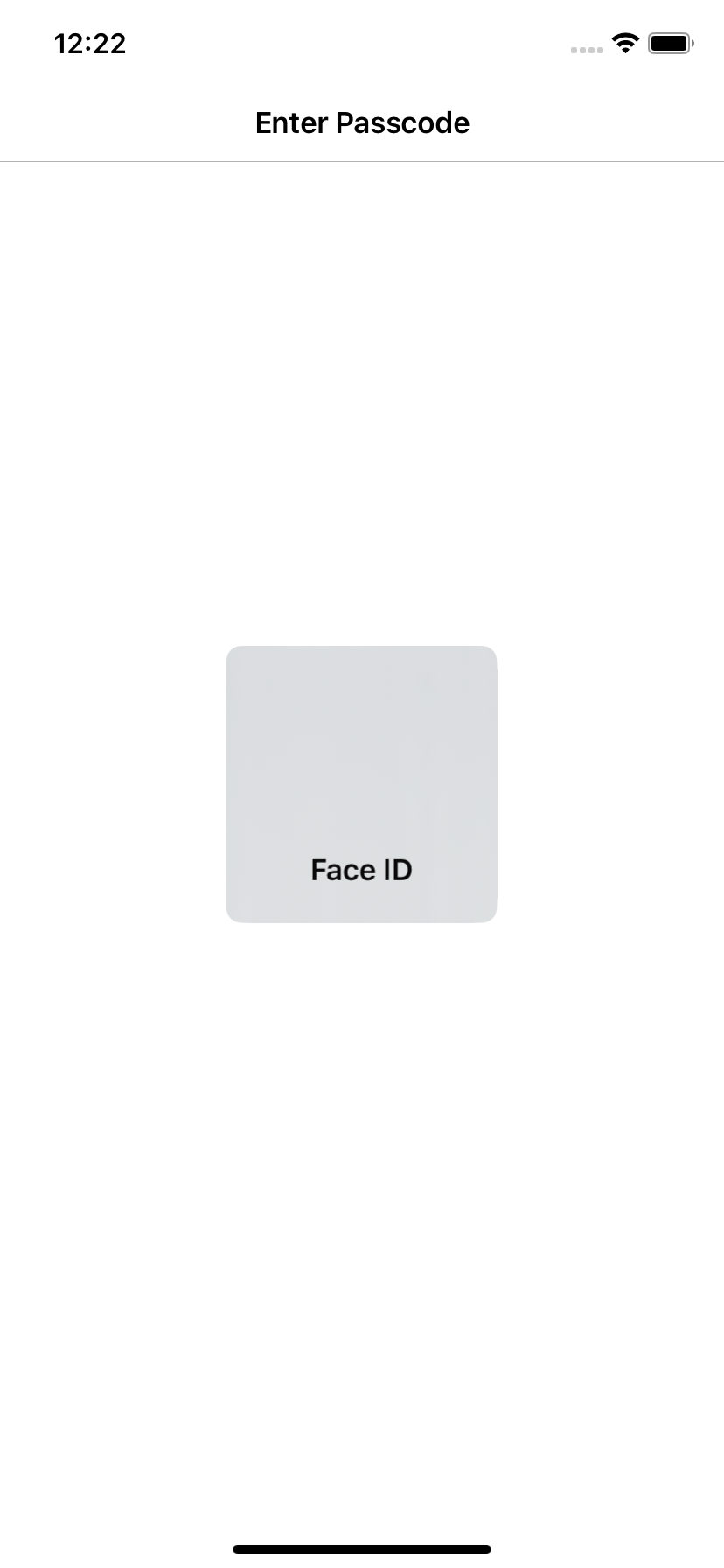
The last and most frustrating challenge was Face ID integration. If the user opened the app using Face ID (via Passcode Lock), then tried to authenticate again for parental control, the Face ID screen would appear again and again, and would never dismiss.
Even though the authentication was technically successful, the biometric prompt would remain visible. I tried everything, from refactoring the existing methods to creating a new showPasscodeController() inside ParentalControlCoordinator, and checking LAContext, but the problem persisted.
Current Status and What's Left
The feature is currently in an advanced and testable state. It successfully protects all major actions and provides a good user experience thanks to the unlock session logic.
However, the merge request has not yet been merged upstream because of the unresolved conflict with Face ID, which seems to require deeper investigation and collaboration.
Reflections
This project has been an amazing journey. I had the freedom to design the logic and structure the architecture. That creative autonomy is one of the most rewarding and challenging aspects of working in open source.
At the same time, it pushed me to my limits. I had to learn Git the hard way, dive into a large codebase, and fix bugs I didn't even know how to describe at first.
Although it's not merged yet, I believe this is the first solid draft of an useful feature. One that can be refined and eventually added to VLC for iOS to improve the experience for families around the world.